A robot vacuum is easier to live with when it has a clearly defined job. That starts with the layout of your rooms, the objects that collect on the floor and the places that still need hands-on cleaning. Using the Eureka E20 Plus as a starting point, you can build a room-by-room routine around mapping, self-emptying and mopping, then use a cordless vacuum for the gaps. The practical question is how these functions fit the way your household uses its floors.
Choose the rooms that need regular attention
Begin with the areas where dust, hair and crumbs repeatedly gather. A hallway, kitchen or open living room may offer a manageable starting point. Look for clear routes between furniture and consider whether the floor is usually accessible at the same time each day. A predictable cleaning area makes it easier to establish a routine and notice when something needs adjusting.
Make a separate mental list of stairs, upholstery and tight spaces. These jobs help define what your existing vacuum will still need to do. Before adding more rooms to an automated schedule, check whether the robot can complete its initial route and return to its dock without assistance.
Plan a usable home for the dock
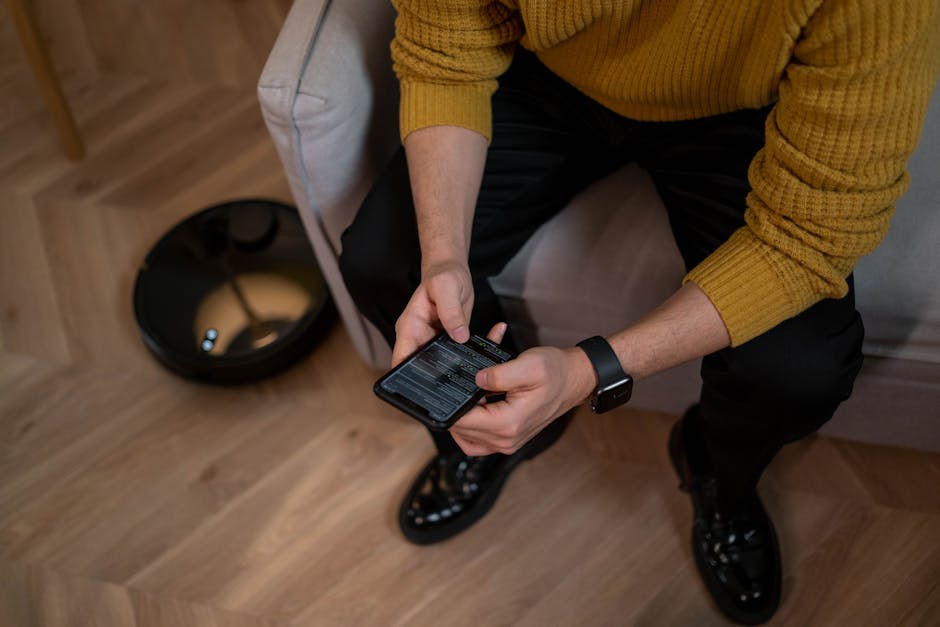
The Eureka E20 Plus combines vacuuming and mopping with LiDAR navigation, app control, an anti-hair-tangling brush and a bagless self-emptying station. Each feature affects the cleaning routine differently. Mapping helps organise coverage, while the station changes how you handle collected debris. Neither removes the need to make space for the equipment and look after its parts.
Position the dock according to the manufacturer’s clearance requirements. Keep its approach accessible and allow yourself room to remove and empty the collection container. A station behind frequently moved furniture can make both docking and maintenance awkward. Consider the location as part of your room layout, alongside sockets and everyday walking routes.
Monitor the container during the first few cleaning cycles. Pet hair, floor coverage and household activity will influence how quickly debris accumulates. Use those observations to establish an emptying routine rather than relying on a maximum advertised interval.
Prepare a route the robot can finish
A saved map cannot keep loose belongings off the floor. Charging leads, socks and toys can appear between sessions, so a short tidy remains part of the process. Aim to make that preparation easy by giving frequently dropped items a convenient storage place.
- Gather cables. Keep loose charging leads and trailing cords away from the cleaning route.
- Pick up small objects. Remove clothing, toys and other belongings before starting a run.
- Check rugs. Flatten curled edges and inspect fringes that could catch in the brush.
- Keep access consistent. Open the doors to included rooms and leave the route back to the dock clear.
Watch the first run through each room. Notice where the robot hesitates, catches an edge or struggles to pass between furniture legs. Moving an obstruction or excluding an awkward patch can make the next session easier to complete. Review these areas again whenever you rearrange furniture.
Give mapping a practical purpose
LiDAR helps a robot map its surroundings and plan cleaning routes. A useful map gives you a basis for organising coverage, but it does not guarantee that the machine will recognise every small object. Keep checking the floor even after the initial mapping process is complete.
Where supported, zoned cleaning lets you target an area that needs extra attention, such as the floor around a kitchen worktop. No-go zones can help keep the machine away from pet bowls or a troublesome rug. Check the exact model’s app functions before planning around a particular feature.
For a home with several storeys, check whether multiple maps can be saved. You will still need to move the robot between floors and clean the stairs separately. Think about which level benefits most from a permanent docking position and whether carrying the machine fits your routine.
Match cleaning settings to your floors
A suction specification provides only part of the picture. Brush design, filter condition and floor coverage also influence what gets picked up. After a run, look at rug edges, furniture legs and the areas where hair gathers. The debris left behind can help you decide whether a setting or route needs changing.
Use adjustable suction, where available, to suit the job. A dusty hard floor may call for a different setting from a well-used rug. Listen to the robot at the settings you expect to use and include the dock’s emptying cycle when considering noise. Choose a schedule that fits around work, conversation and relaxation.
App scheduling is most helpful when floors are reliably clear. Start with a time you can prepare for consistently, then adjust it after observing a few sessions. Voice control can add convenience on compatible models, but accessible controls and a dependable routine should guide your setup.
Treat mopping as a separate part of the job
A vacuum-and-mop model adds another stage to floor care. Before using it, check both the flooring guidance and the machine’s instructions for water use and cleaning products. Set boundaries around surfaces that should stay dry and make sure any carpet protection functions suit your layout.
Clear loose debris before mopping and inspect the pad afterwards. A dirty pad needs attention before another session, and reusable parts should be cleaned and dried as instructed. Keep a manual mop available for sticky patches and more demanding cleaning. Judge the robot’s mopping function by the condition it leaves your own floors in.
Keep a cordless vacuum for the gaps
The Eureka Stylus Elite NEC490BL cordless stick vacuum fits a different part of this routine. A manually directed cleaner gives you a way to tackle stairs, upholstery and small messes without scheduling a floor-wide run. These are worth considering when deciding how a robot will work alongside the equipment you already have.
The cordless model’s listed features include a self-emptying station, an anti-tangle brushroll and filtration. Consider those features in relation to your remaining cleaning jobs. If your current vacuum already handles them comfortably, include it in the plan when working out the role of a robot.
Make upkeep part of the schedule
Self-emptying and anti-tangle features reduce particular tasks, but the machine still needs regular checks. Follow the manufacturer’s guidance for filters, brushes, sensors and charging. Hair and thread can collect around moving parts even when the brush is designed to limit tangles.
- Check collection containers and air paths for accumulated debris.
- Inspect the brushroll and wheels for wrapped hair or string.
- Clean filters and sensors using the specified methods.
- Wash or replace mop pads according to the instructions.
- Follow the model’s charging and storage guidance during longer breaks from use.
After a few weeks, review which rooms are being covered reliably and where you still intervene. Adjust the schedule, boundaries or floor preparation around those findings. A room-by-room approach gives the robot a manageable role and leaves you with a clear plan for the cleaning that needs your attention.