A projector can make film nights feel special without requiring a dedicated cinema room. In a living room shared with reading, conversation and everyday family life, the challenge is finding a setup that is comfortable to watch and easy to live around. The HAPPRUN projectors covered here offer two possible starting points. Choosing between them becomes easier once you have worked out where the picture, furniture and sound will fit.
Start with the room’s everyday layout
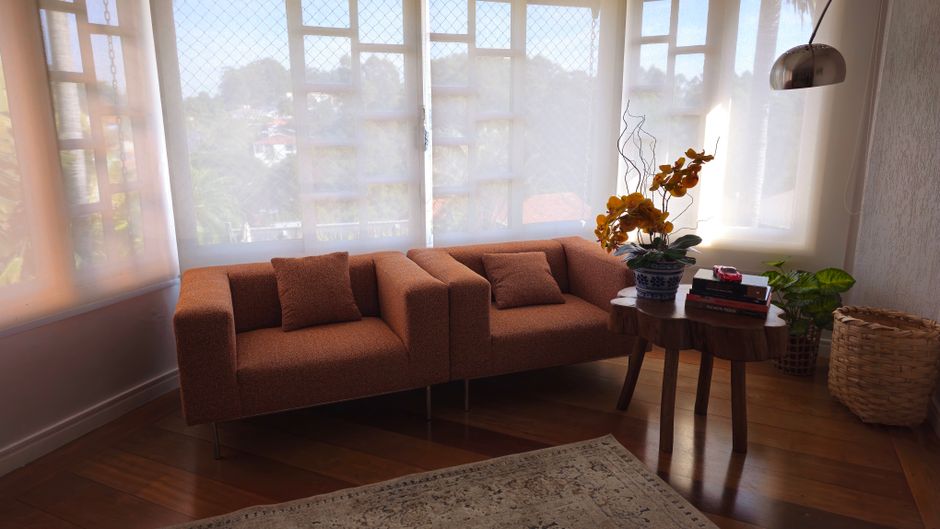
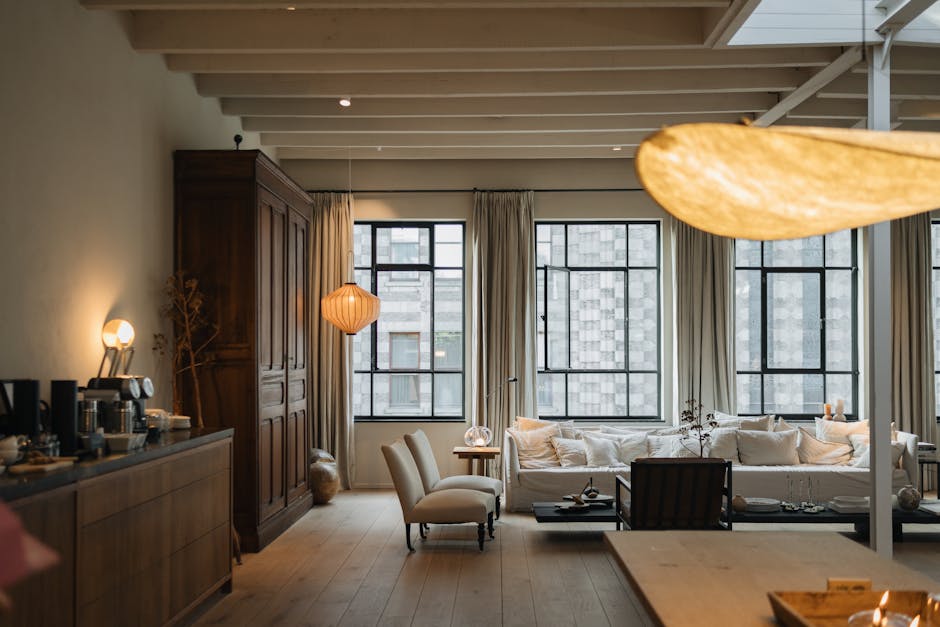
Sit in your usual place on the sofa and look towards the proposed screen wall. Notice furniture that might interrupt the picture, lamps shining onto the surface and daylight coming around the curtains. A wall can look perfectly clear when you are standing up, yet have its lower section hidden behind a coffee table when you sit down. Assess the view from every seat you expect to use.
Think through the changeover from ordinary evening to film night. A retractable screen can leave the wall available during the day. A tabletop projector position may suit equipment you put away between uses, while a ceiling mount offers a more permanent arrangement. Choose a layout that matches how often you watch and how much setup you are willing to repeat.
Choose between connected devices and built-in streaming
HAPPRUN 2000 ANSI 4K Decoding Projector
This model is presented with WiFi, Bluetooth and autofocus, alongside support for sources such as a TV stick, computer or games console. It is worth considering if you want several ways to supply films and games. Check the exact model’s ports and supported connections against the equipment you already own. Wireless connectivity alone does not establish that every streaming service will play directly from your phone.
Read the resolution description carefully. 4K decoding indicates support for processing a 4K signal, but does not by itself establish native 4K projection. Look for the native display resolution separately. Likewise, the advertised image size of up to 300 inches is a capability to investigate, rather than a sensible target for every sitting room. Available wall space, viewing distance and light control should guide your choice.
HAPPRUN 1500 ANSI Google TV Smart Projector
The HAPPRUN 1500 ANSI Official Licensed Google TV Smart Projector takes a different approach, with Google TV, autofocus and Dolby Sound among its stated features. Its built-in interface may appeal if you would prefer to browse streaming apps through the projector. Check that your preferred services are supported on the exact version you are considering, including any subscriptions needed to watch them.
The listed brightness figures differ, but those figures alone cannot settle which model suits your room. Consider your intended screen size and the amount of light you can control alongside the interface and connections. Audio branding also tells only part of the story. Speaker position and the distance to your sofa affect how comfortably you can follow dialogue.
Control light before increasing picture size
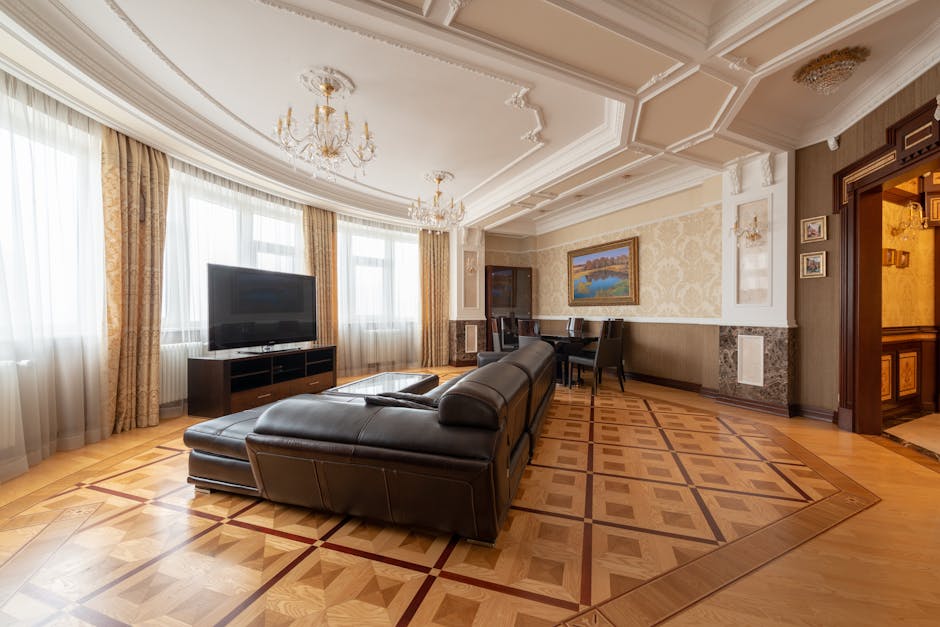
Close curtains or blinds and move lamps that shine directly onto the viewing surface. You can keep some light elsewhere for comfort, provided it is directed away from the picture. Try the arrangement at the time you normally watch. A setup that works after dark may look quite different on a bright afternoon.
Brightness is commonly expressed in ANSI lumens. Native resolution describes the detail the projector can display, while contrast concerns differences between light and dark areas. These characteristics work together. Enlarging the picture spreads the available light over a bigger area, so reducing image size can help when you cannot darken the room fully.
A smooth, neutral wall can help you explore positions before committing to a screen. Texture and wall colour can affect the image, though. If the picture appears uneven or tinted, assess the surface as well as the settings. A dedicated screen provides a more predictable starting point.
Fit the screen to the sofa
Choose picture size from the main seating position. You should be able to follow a scene comfortably without constantly moving your head. Leave space for speakers and keep the bottom of the picture clear of furniture. Check the view from the ends of the sofa as well as the centre, especially if several people will watch together.
Screen material deserves attention too. Matte white is a common choice with a broad viewing angle. Grey materials and higher-gain surfaces have different trade-offs, so check their suitability for your projector and lighting conditions. Higher gain can concentrate reflected light into a narrower viewing area, making seating positions particularly important.
Give the projector a stable home
Use the model’s throw-distance guidance to establish where it needs to sit for your chosen picture size. Measure before buying a mount or moving furniture. Leave ventilation clearance according to the manufacturer’s instructions, and allow access to connections and controls. A tidy-looking position becomes inconvenient if plugging in a device means shifting the whole projector.
Align the projector with the screen as closely as the room permits. Autofocus can help sharpen the image, but physical positioning still matters. Keystone correction can straighten a trapezoidal picture, although substantial digital adjustment can reduce usable detail. Begin with a stable, level position and use correction for the remaining adjustment.
Organise cables at the same time. Keep leads out of walkways and gather spare length near the equipment. If you plan to move the projector into the garden for occasional film nights, make the indoor connections easy to identify and restore. Outdoor use needs a suitable dry location and safe power arrangements that follow the equipment instructions.
Make existing seating more comfortable
Try rearranging furniture before building anything. Turn an armchair towards the screen, bring a side table within reach and use cushions where they improve support. Beanbags or floor cushions can provide occasional seats, but check their sightlines with someone occupying the sofa in front. Comfort and a clear view matter more than filling every available patch of floor.
Repurposed furniture can give the room character while keeping the project manageable. Add stable snack trays and keep blankets nearby. Raised seating platforms need proper structural planning and safe access. Start with a level arrangement if a furniture shuffle will give everyone a comfortable view.
Finish with sound and repeatable settings
Listen from your normal seat before adding audio equipment. Built-in speakers may meet your needs, while a soundbar or separate system offers another option if dialogue is hard to hear. Confirm audio-output compatibility before buying accessories. With Bluetooth, check whether speech stays in sync with the picture using your intended connection.
Adjust picture settings with the lighting arranged for viewing. Start with a suitable preset, then make small changes to brightness, contrast and colour. Save the settings if that option is available. Compatible smart lights or blinds may simplify the routine, but check the actual supported controls before relying on voice commands.
Finally, rehearse an ordinary film night. Close the curtains, arrange the seats and start your preferred source. Refine whatever interrupts the experience, whether it is a trailing cable or an obstructed screen edge. The most practical result is a living room where settling down to watch feels straightforward and packing away afterwards takes little effort.